
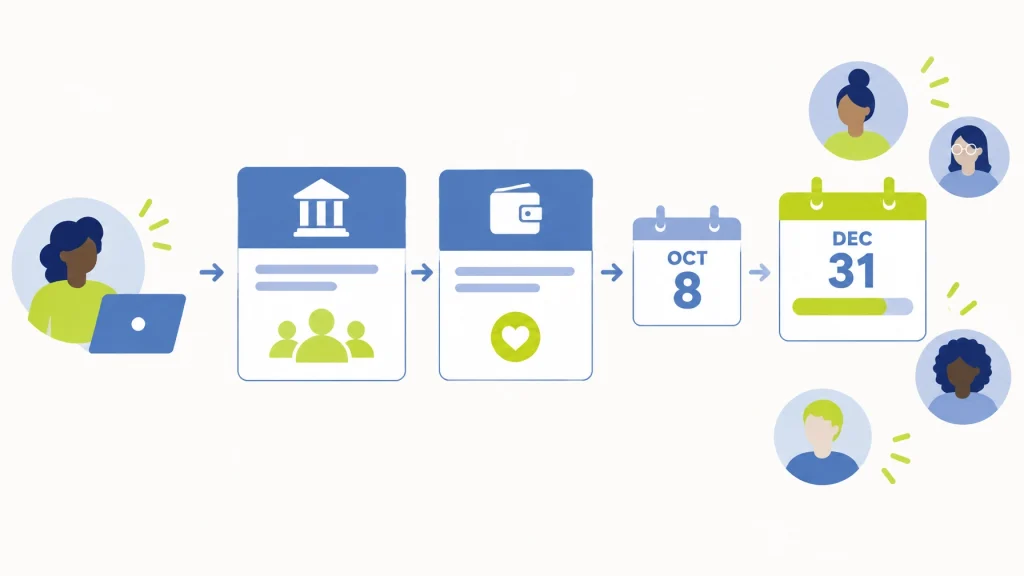
Donor-advised funds belong in your year-end fundraising plan.
DAFs are one of the most common non-cash giving vehicles nonprofits receive. A recent FreeWill survey found that 79% of nonprofits received donor-advised fund gifts, compared with 64% receiving qualified charitable distributions and 46% receiving gifts of stock or mutual funds.
DAF giving also operates at significant scale.
The 2025 Annual DAF Report from the Donor Advised Fund Research Collaborative, which uses fiscal year 2024 IRS data, reported:
- 3.59 million DAF accounts
- $327.87 billion in DAF assets
- $90.57 billion in contributions
- $64.60 billion in grants
- 25.2% overall payout rate
The issue is visibility. Many nonprofits accept DAF grants but do not mention them on their donation pages, confirmation screens, or year-end appeals.
That creates an avoidable access problem.
Use this checklist to add donor-advised funds to your digital fundraising for nonprofits plan before October 8.
1. Understand where DAF gifts come from
A DAF gift does not usually come directly from the donor’s personal bank account.
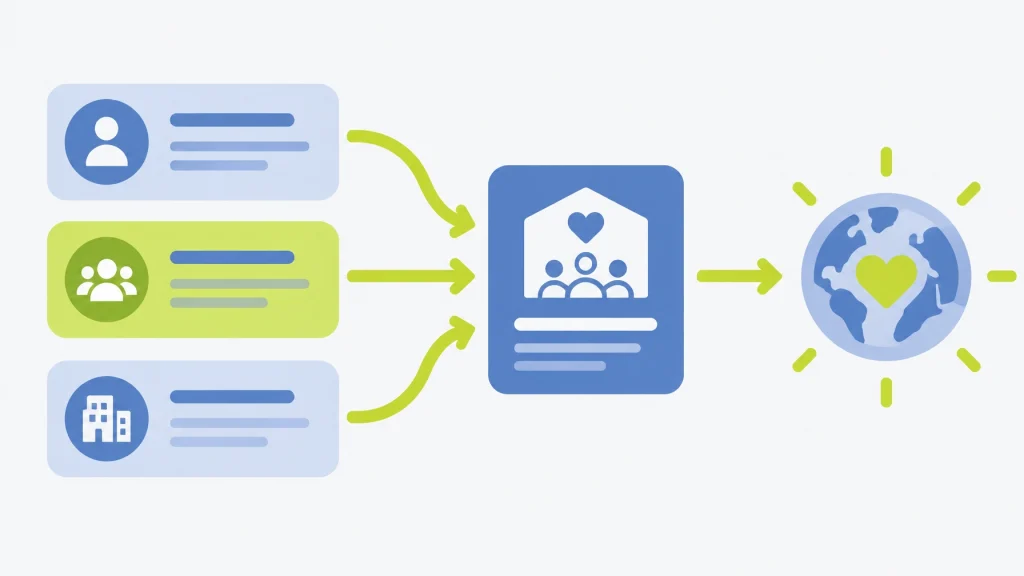
It comes from a DAF sponsor. Common sponsors include:
- Fidelity Charitable
- DAFgiving360, formerly known as Schwab Charitable
- Vanguard Charitable
- National Philanthropic Trust
- Community foundations
- Single-issue charitable sponsors
- Employer and workplace giving platforms
The donor funds a DAF with cash, stock, or another accepted asset. The sponsor legally controls the assets. The donor then recommends grants to eligible charities.
Your organization does not control the timing.
The donor chooses when to recommend the grant. The sponsor reviews and processes the recommendation. The nonprofit receives the funds after processing.
Tax treatment
In general, the donor receives the charitable tax deduction when they contribute to the DAF. The later grant to your nonprofit comes from the DAF and does not create a second deduction for the donor.
The timing matters:
- DAF contribution: Donor receives the deduction, subject to applicable tax rules.
- DAF grant: Sponsor sends charitable funds to your organization.
- Nonprofit role: Accept, record, acknowledge, and steward the grant.
This is general information, not tax advice. Donors should consult a qualified tax or legal advisor about their individual situation.
2. Use the current DAF data in your planning
DAF activity continues to grow across major sponsors.
Fidelity Charitable’s 2026 Giving Report, covering 2025 activity, reported:
- $18.3 billion in donor-recommended grants
- 3 million grants
- 226,823 charities supported
- 395,515 donors
- $5,801 average grant size
- 77% of grants directed to nonprofits previously supported by the same account
DAFgiving360 reported that its donors granted:
- $9.9 billion in 2025
- Grants to more than 165,000 charitable organizations
- Approximately 1.5 million grants
- 38% of grants set up as recurring grants
- 74% of grants made without a designated purpose
Vanguard Charitable’s 2025 Annual Report reported:
- $3.96 billion in grants
- 267,838 grants
- 66,785 unique charities supported
- $14,808 average grant size
NPT’s sponsor-specific FY2025 reporting recorded:
- $6.61 billion in grants
- 161,515 grants
- 48,685 charitable organizations supported
- 20,561 DAF accounts
These figures use different reporting periods and definitions. Do not add them together. Use them as directional evidence that DAFs represent an established funding channel with recurring activity and significant year-end potential.
3. Add a DAF option to every giving path
Do not place DAF information on one hidden “Other Ways to Give” page.
Add it where donors already go.
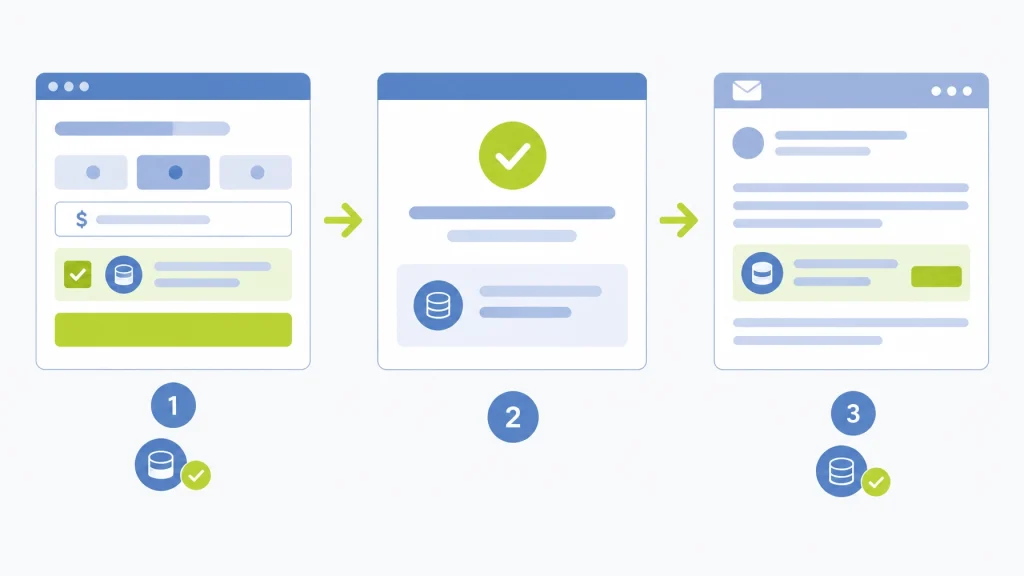
Donation page
Place a visible option near your primary online giving form:
> Give from your donor-advised fund
> Recommend a grant to [Legal Organization Name]. Use our legal name and EIN when searching through your DAF sponsor.
Add a DAF widget or payment option if your platform supports DAF Direct, DAFpay, or another DAF integration.
Keep the action clear:
- Give from my DAF
- Recommend a DAF grant
- Send a grant from Fidelity Charitable, DAFgiving360, Vanguard Charitable, or another sponsor
Confirmation page
After a donor completes a cash gift, display a second action:
> Have a donor-advised fund? Recommend a grant to support [Organization Name]. Your sponsor may need our legal name and EIN.
This prompt reaches donors who already demonstrated interest.
Receipt and thank-you email
Add a short DAF line to:
- Online receipt
- Automated thank-you email
- Monthly newsletter footer
- Campaign confirmation email
- Event registration confirmation
- Giving Tuesday follow-up
Use the same wording each time. Include:
- Legal organization name
- EIN
- DAF instructions or link
- Contact for DAF questions
Create a dedicated “Give from a Donor-Advised Fund” page under your Ways to Give menu. Link to it from your donation strategy content, donation form, email templates, and year-end landing pages.
4. Run a short October sequence
Use National DAF Day as a focused communications trigger. Avoid a long education campaign. Use short, direct messages.
October 1: Awareness email
Subject: Check your donor-advised fund before National DAF Day
Include:
- National DAF Day date: October 8
- One-sentence explanation of DAF giving
- Organization legal name and EIN
- Direct link to your DAF page
- Mission-specific use of funds
October 6: Reminder email
Subject: October 8 is National DAF Day
Use a direct instruction:
> Log in to your donor-advised fund account. Search for [Organization Name]. Recommend a grant before year-end processing deadlines.
Add a button:
Recommend a Grant
October 8: DAF Day email and social posts
Subject: Use your donor-advised fund for [Mission]
Keep the message focused on action. Mention a current funding need, program, event, or year-end goal.
Do not suggest that your nonprofit controls when the grant arrives. Use accurate language:
> Recommend a grant today. Your DAF sponsor will process and send the funds.
October 9: Confirmation and gratitude
Thank supporters who recommended grants. Invite donors to forward your legal name and EIN to family members, advisors, and donor-advised fund holders.
5. Build DAFs into year-end solicitations
DAF donors may decide on grants late in the year. Your December campaign must support that decision without implying that a DAF grant is an instant transaction.
Add a DAF ask to:
- Giving Tuesday appeals
- November newsletters
- December direct mail
- Year-end email series
- December 26–31 appeals
- Campaign landing pages
- Social media reminders
- Event and peer-to-peer fundraising pages
Use this copy:
> Have a donor-advised fund? Recommend a grant to [Organization Name] before your sponsor’s year-end deadline. Search using our legal name and EIN. Processing times vary by sponsor.
The donor’s DAF contribution deadline and your organization’s grant-receipt deadline are not the same.
A donor may contribute to a DAF by December 31 and receive the deduction for that contribution, while the grant to your nonprofit arrives later. A grant recommendation may also require several business days for review, approval, and delivery.
Publish sponsor deadlines when available. Use an internal deadline earlier than December 31.
Suggested year-end schedule
- November 10: Add DAF language to all year-end assets.
- December 1: Send first year-end DAF reminder.
- December 15: Send processing deadline reminder.
- December 26: Send final DAF message.
- December 30: Send last practical reminder with sponsor timing language.
- January 5–15: Reconcile incoming grants and begin stewardship.
6. Track and steward DAF gifts correctly
DAF gifts require accurate records.
When a grant arrives, identify:
- DAF sponsor
- Individual donor advisor, if disclosed
- Grant amount
- Date received
- Designation or restriction
- Campaign or appeal source
- Soft-credit status
- Follow-up owner
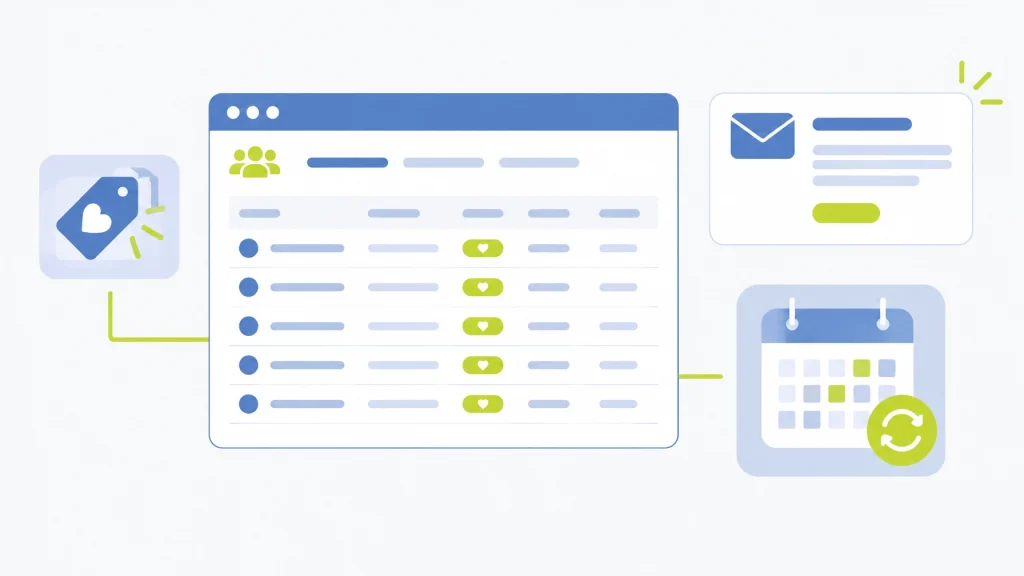
The DAF sponsor is generally the official donor of record. The individual who recommended the grant can often receive soft credit when their identity is disclosed.
Do not send the donor a tax receipt for the DAF grant. Send the official acknowledgment to the sponsor, per your gift-processing policy. Send the individual donor a separate thank-you message.
Stewardship sequence
Within 48 hours: Confirm receipt and thank the donor.
Within 30 days: Report how the funding supports a program, service, or measurable outcome.
Before the next year-end: Remind the donor that recurring or annual DAF grants may be available through their sponsor.
DAFgiving360 reported that 38% of its 2025 grants were recurring. This makes DAF donors useful prospects for sustained support, multi-year planning, and major-gift conversations.
Track DAF donors in your CRM. Add a source code. Record the sponsor. Monitor repeat grants. Create a segment for donors who give through DAFs but have not made a direct online gift.
Do not treat DAF donors as anonymous one-time transactions. Use the data to improve donor engagement strategies.
Final implementation checklist
Before October 8
- Add a DAF option to the donation page.
- Create a dedicated DAF landing page.
- Display your legal name and EIN.
- Add DAF copy to confirmation pages and receipts.
- Schedule the October email sequence.
- Train gift-processing staff.
- Assign one DAF contact.
Before December 1
- Add DAF language to year-end appeals.
- Publish sponsor processing guidance.
- Segment existing DAF donors.
- Prepare recurring-grant messaging.
- Confirm CRM soft-credit procedures.
After December 31
- Reconcile sponsor reports.
- Thank donors promptly.
- Record disclosed donor advisors.
- Review repeat-giving rates.
- Update the DAF page for the next campaign.
DAFs belong in your nonprofit fundraising strategies, not in a buried footer.
Add the option. Explain the process. Use October 8 as the trigger. Repeat the ask through December 31. Track the grants and steward the donors.
Review your nonprofit website fundraising checklist or explore Do Good Marketing’s nonprofit fundraising services.
